

Introduction
I recently discovered a great open-source project called ShotEasy, which is a comprehensive set of online image processing tools offering features such as image format conversion, compression, background removal, and screenshot enhancement. I have deployed it on my own server for convenient daily use.
Online Experience

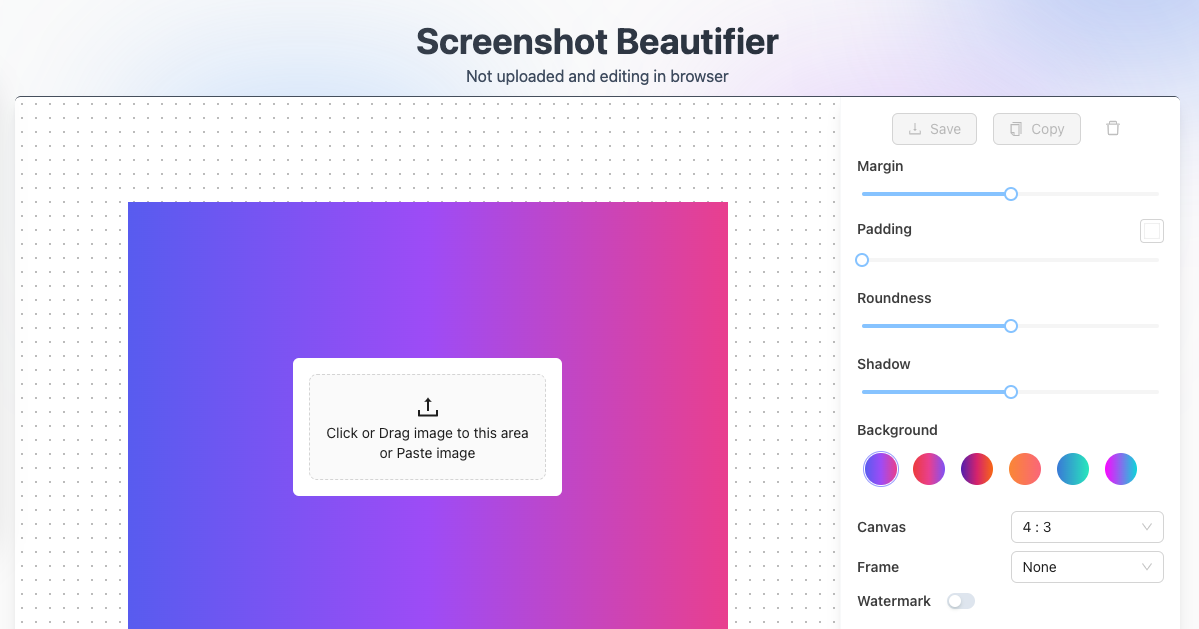
The main features currently include:
- Conversion between PNG, JPEG, and WebP
- Converting PDFs to images
- Image compression
- Background removal
- Splicing multiple images into a single image
- Batch processing
Key Features
ShotEasy consists of several useful tool modules, which I will highlight below:
Image Format Conversion
It supports easy conversion between common formats like PNG, JPEG, and WebP. You simply need to upload the image and select the desired output format. The processing is done entirely in the browser, and the image is not uploaded to the server, ensuring your privacy and security.
Image Compression
You can compress images without compromising on quality, making it ideal for use on websites.
Background Removal
The tool automatically identifies and removes the background from images with fairly good results.
Splicing Multiple Images
It allows you to combine multiple images or PDF pages into a single image, which is useful for creating screenshot collections.
Deployment Method
Deployment is very simple. Open the README on the project’s GitHub page, click the Vercel One-Click Deployment Button, and connect your GitHub repository with Vercel. No command-line operations are required throughout the process.
After deployment, you can choose to add a custom domain name, which I recommend for easier access.
Open-Source Project
Project address: https://github.com/CH563/shot-easy-website
If you also have image processing needs, you can deploy the project yourself or use the version I have set up online.